
Toxicity detection
How the toxicity detection rule handles toxic inputs and outputs
The Toxicity detection guardrail can be applied to both user messages (Input) and the model's responses (Output).
- Toxicity Detection (Input): Identifies toxic language in user messages and prevents the model from responding to such inputs.
- Toxicity Detection (Output): Filters out any toxic language in the model's responses before they are delivered to users, ensuring respectful communication.
Example:
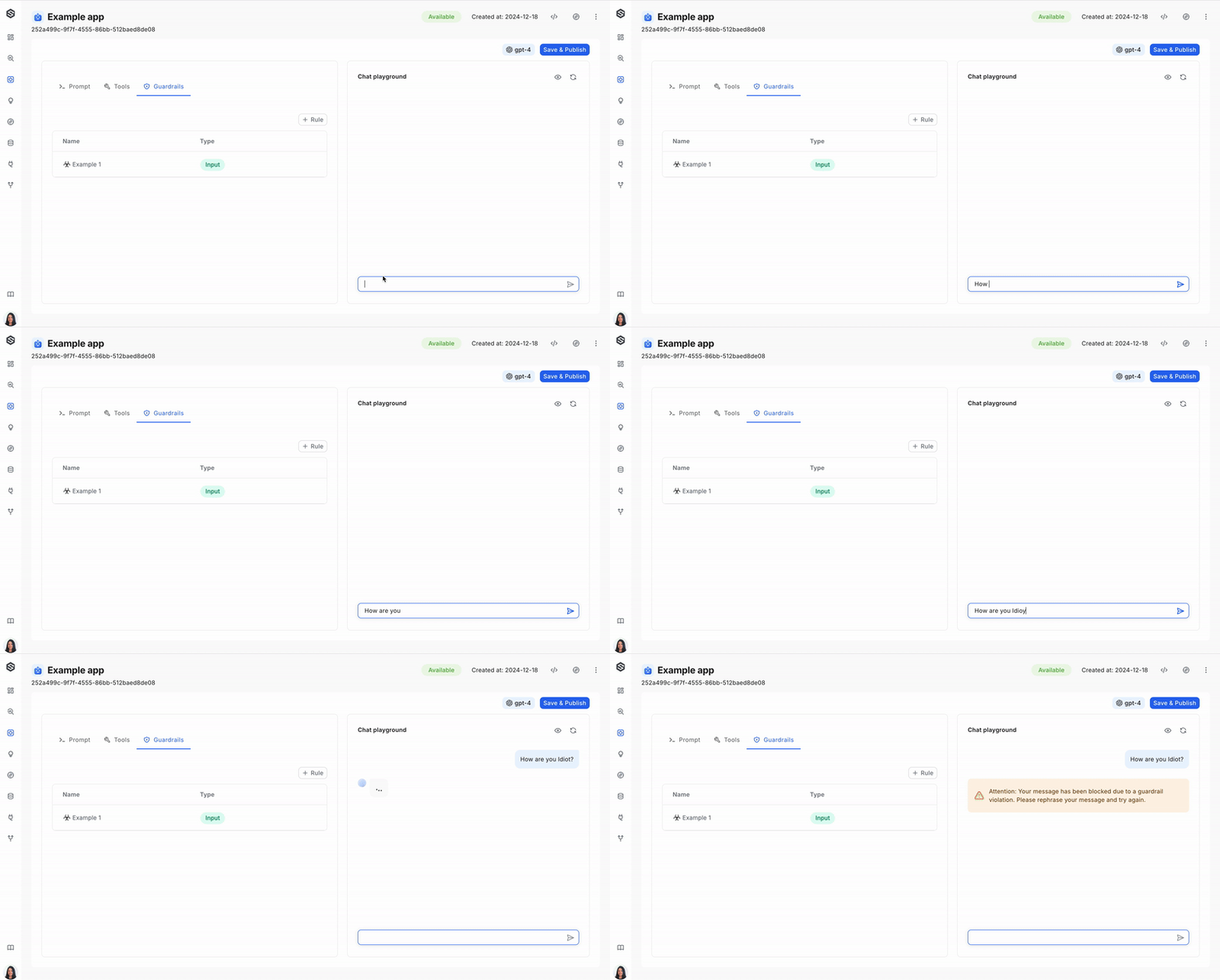
Configuration:
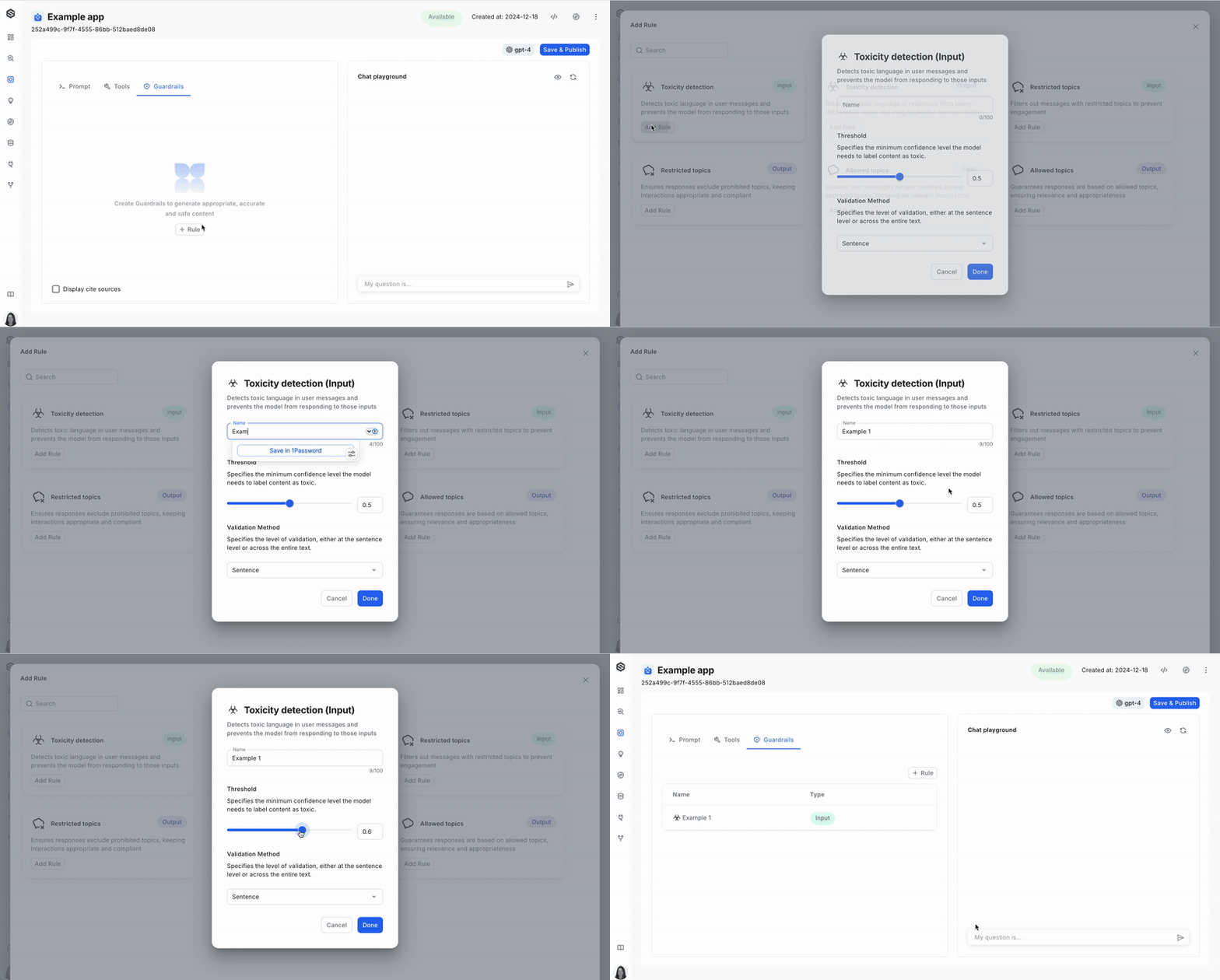
Parameters required to set up a toxicity detection guardrail:
- Threshold: The confidence threshold for detecting toxicity, set by model inference. It defaults to 0.5 and is a value between 0 and 1.
- Validation method: Determines whether toxicity is assessed at the sentence level or across the full text. Options include "sentence" or "full," with "sentence" as the default.
Using the UI
Using the SDK
from superwise_api.models.agent.agent import AgentAllowedTopicsGuard

toxicity_guard = AgentAllowedTopicsGuard(
    name="Rule name",
    tags= {"input", "output"}, # A list containing "input", "output", or both
    type="toxicity",
    threshold=0.5,
    validation_method="sentence"  # Can be "sentence" or "full"
)
Updated 19 days ago
Did this page help you?