
Connect guardrails
How to connect guardrails to an agent
Guardrail is an independent core service of the SUPERWISE® platform.
Connecting guardrails to your agent is a powerful tool to ensure your agents are production-ready and can act freely in their environment while complying with company regulations and maintaining strict activity boundaries.
As a first step to configure guardrails for your agent, go to the guardrails section to create and publish them.
Configuring guardrails via the UI
Your guardrails settings are part of what define an agent version. This means that if you want to change your guardrails configuration, you will need to publish a new version of your agent.
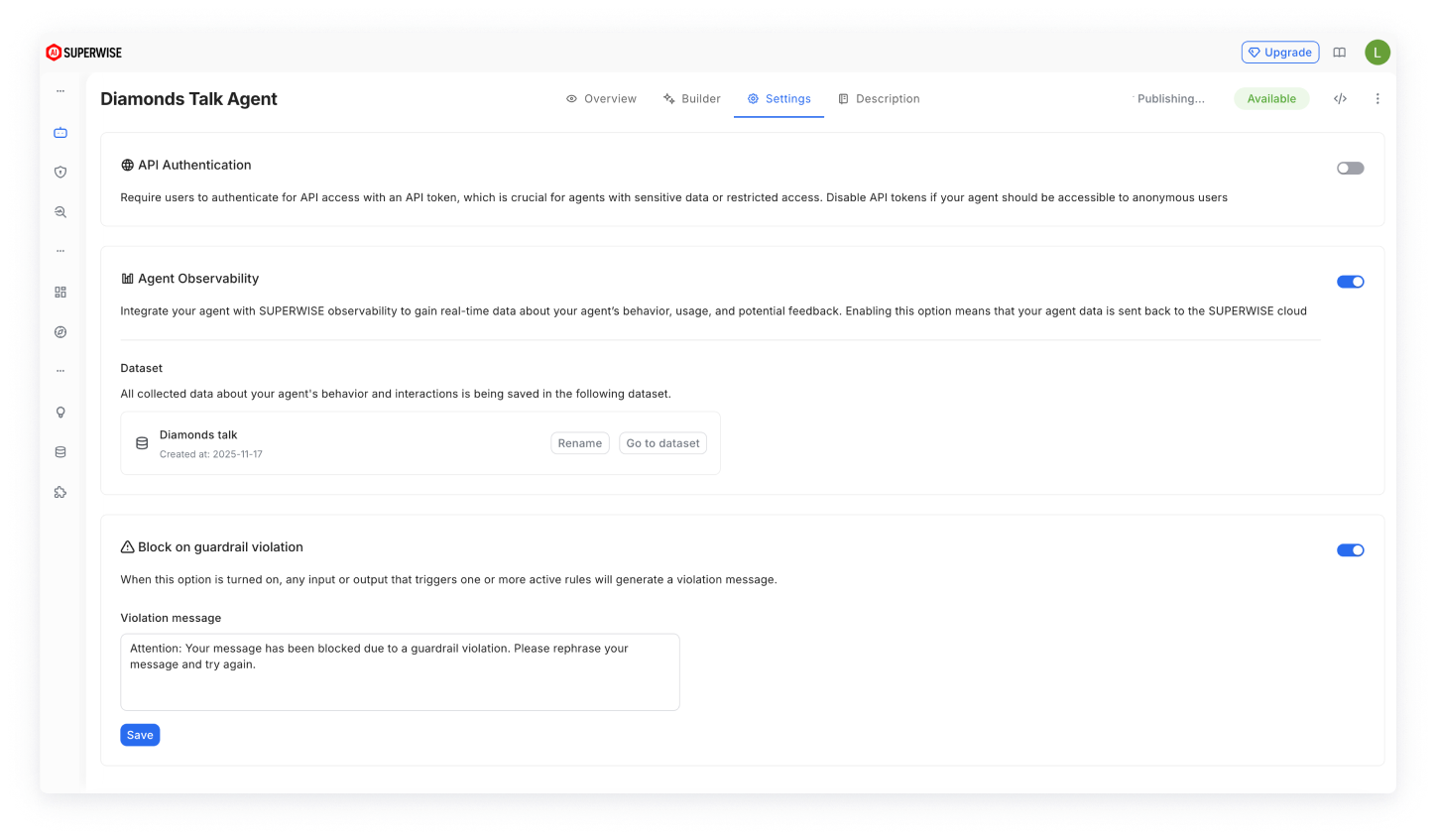
In your agent settings, you choose how a guardrail violation affects the agent's behavior.
By default, a violation blocks the interaction: the agent does not reply to the user, and a blocking message, which you can customize, appears instead.
To let these interactions through, turn off the blocking action. The violation is still logged in the agent's observability data.
To read more about the available guardrail rules and how to configure them, please visit the dedicated guardrails guide.
Test before you publishIt’s recommended to test your guardrails configuration before you publish. To do this, you can use the agent playground mode, which reflects how the guardrails will work in real life given the recent settings.
Configuring guardrails via SDK
Guardrails are added during version creation. To add guardrails to your agent, publish a new version with a list of guardrail versions.
from superwise_api.models.agent.agent import BasicLLMConfig

# Your published guardrails versions
guardrails_list = [str(version.id) for guardrail_version in guardrail_versions]

agent_config = BasicLLMConfig(llm_model=model, prompt=prompt)

version = sw.agent.create_version(agent_id=agent.id,name="My Version name", description="My Version description", agent_config=agent_config, guardrails=guardrails_list)
Analyzing Guardrails Activity
Once guardrails are connected to your agent, our observability services (if enabled) will collect data about detected violations, allowing you to monitor your agent and keep track of any violations that occur. To read more about how to monitor your agent and related activities, please visit our "Monitor your agent" guide.
Updated 23 days ago